You can create events in different ways. If this is an activity for your classroom, the easiest way is:
- Creation of the event in the classroom (Moodle environment),
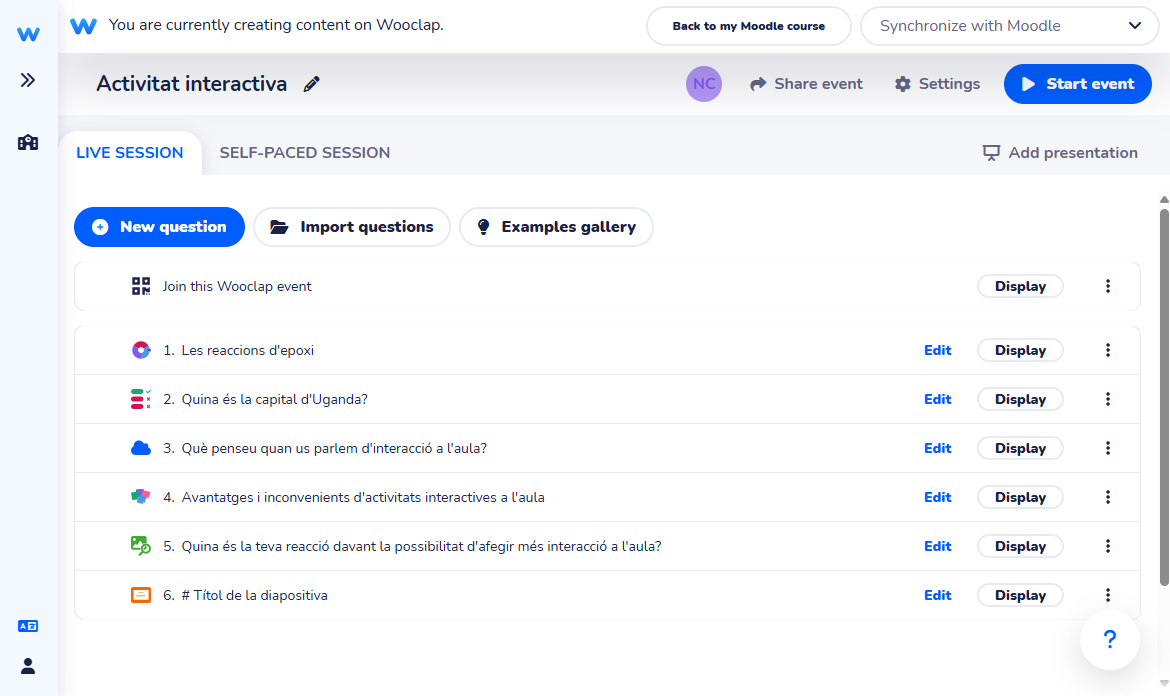
- Configuration (Wooclap environment): who will have access, the questions that will be displayed, if you set a response time limit, among others.
1. CREATION OF THE EVENT IN THE CLASSROOM
To create a Wooclap event,
- Follow the steps to add an activity or resource in the classroom and select the Wooclap activity.
- Enter the name of the activity.
- If necessary, configure the rest of the fields that appear.
- Click Save and return to course to save the settings.

2. EVENT SETUP
Once in the classroom, access the activity you have created.

You will immediately be redirected to the Wooclap environment, from where you will be able to:
- Create questions.
- Manage the event.
- See its results.