In the classroom, click on the activity to which you want to add questions.

Click New question.

In the list of possible question types, hover over the one you want to use and click. For example

Configure the displayed fields and click Save to save it.
If you need, you can preview it first by clicking Display Now.

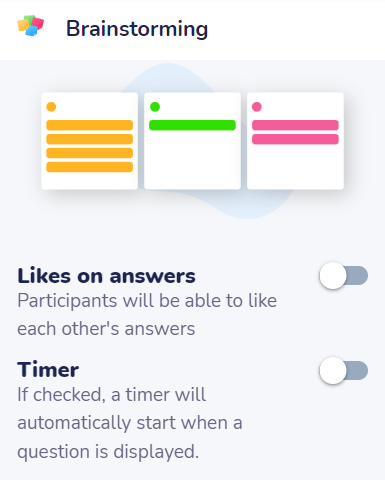
To the right of the form you will find other question configuration options, such as:
- type of results display,
- add likes to responses,
- or limit the response time of the question (Timer), among others.
NOTE. Each type of question will have its configuration options.