To move one or more questions from the classroom question bank from one category to another:
- Access the classroom question bank.
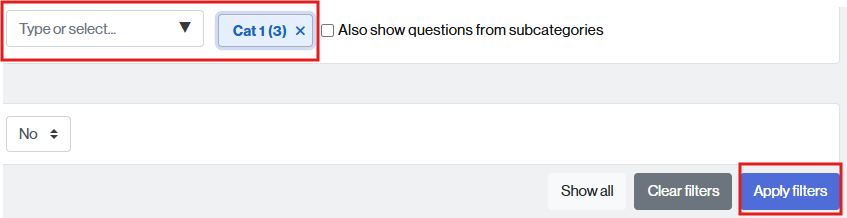
- Find the category where the question(s) you want to move are located: click in the “Type” field or select and click on the category name.
- If you wish, you can request that the list also include questions from subcategories by checking the box Also show questions from subcategories.
- Click the Apply filters button to display the questions contained in the selected category.
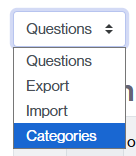
NOTE. You can also access the questions from the Categories link by clicking on the category where the questions are located.
- Select the question(s) you wish to move by checking the corresponding box (2). If you wish to move all questions in the category, check the box indicated by the number 1.
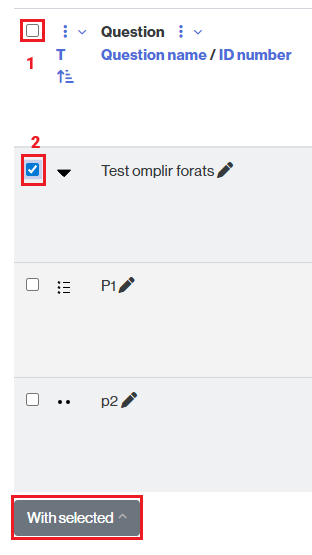
- Click the With Selected button and choose the Move to… option.

- Select the category where you want to move the question(s) (by clicking on the dropdown to show all categories).

- Click the Move to button to end the mouvement of the questions.