Once the in-person exam or the online grading process has been completed, you may need to modify a question. For example, if you want to mark two answers as correct, how would you do this?
Access the Questions section of the question set where the question you want to modify is located. NOTE: If the question appears in more than one set, you only need to modify it in one of them.
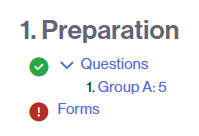
Find the question you need to modify and click the pencil icon:

The question will automatically open in the classroom question bank. Modify it and click the Save Changes button to apply the changes.
You will see that a new version of the question has been generated.

If the exam has already been graded in the virtual classroom, the grades will be automatically recalculated.