Using this option, each attempt at the questionnaire will be created with x questions, chosen randomly from the chosen category or categories.
- Access the quiz to which you want to add the random question or questions.
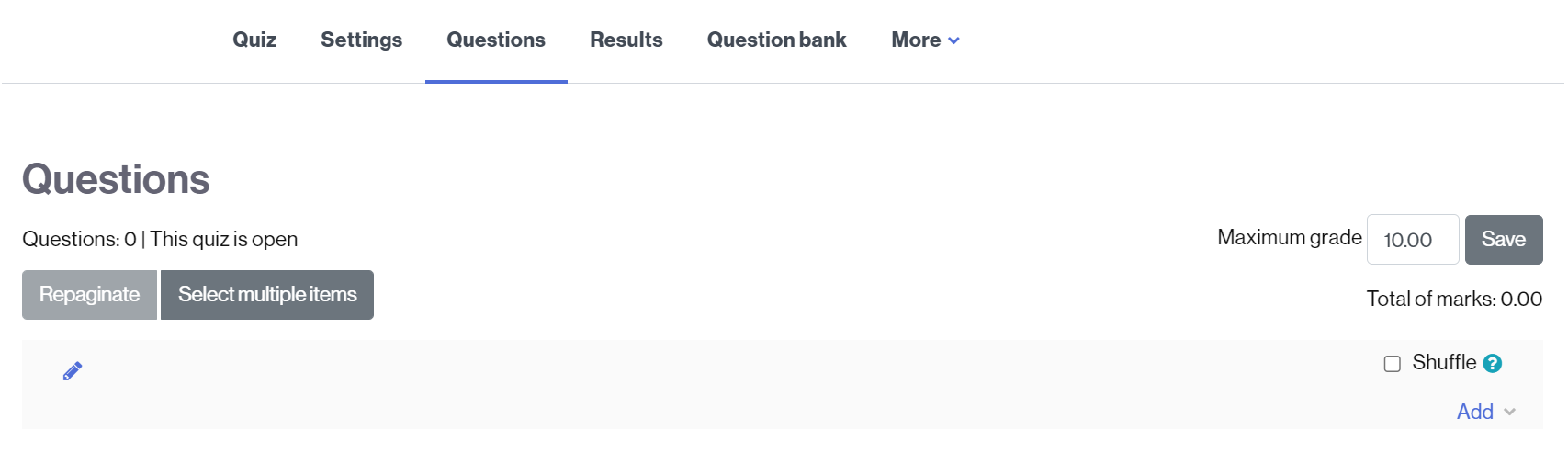
- Select the Questions tab.
- Click Add.
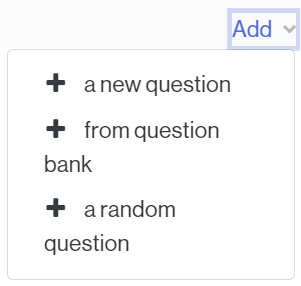
- Select the option + a random question.
- In the popup, choose the category from which you want to select it/them (1).
- Click Apply filters (2) to see the questions in the selected category.
- Select, in Number of random questions (3) the number of questions that will be included from this category in the quiz, randomly in the quiz.
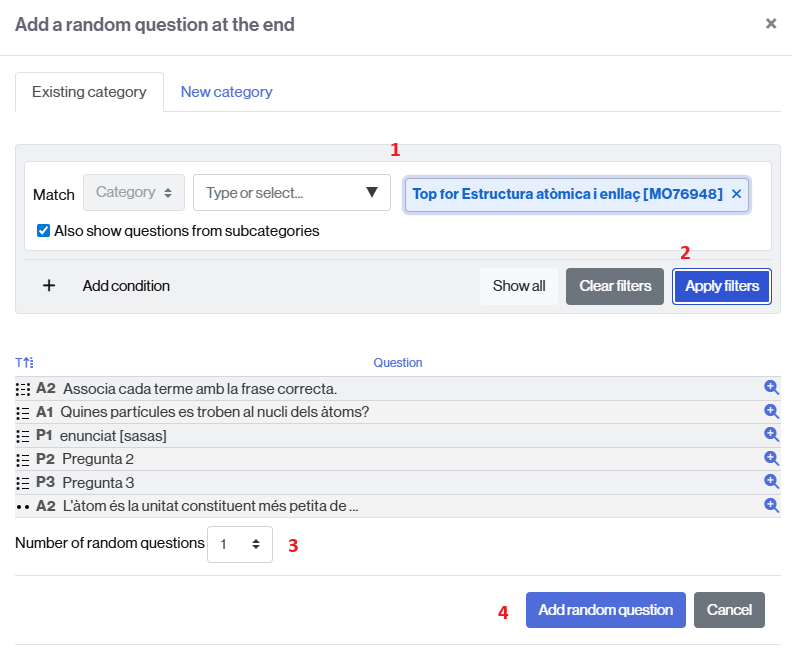
- Once selected, click on Add random question (4).
NOTE. If you want to add random questions from another category, repeat the process, selecting the category where they are located.