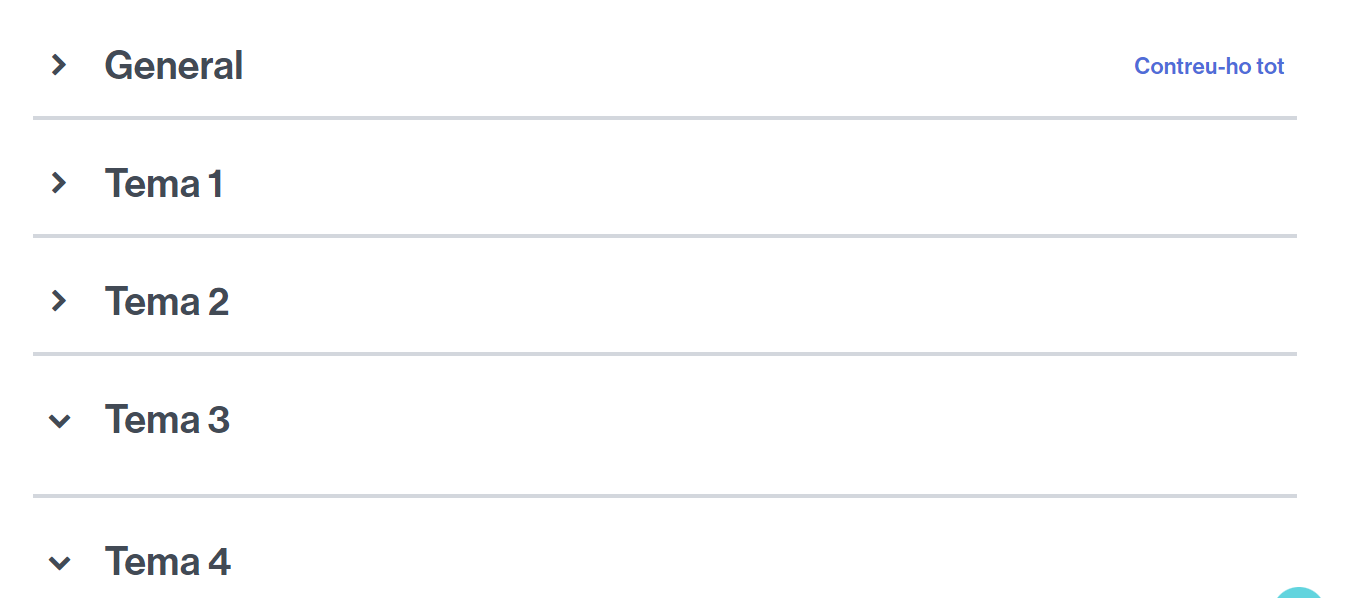
The topic-based format is the default for virtual classrooms: if you create a new classroom from scratch, this will be the format you see. You can choose to display all topics with their content hidden (collapsed), and then expand the content when you click on a topic. Alternatively, you can choose to display all topics expanded, showing all their content.
Example of a classroom with the topic-based format.
If you want your classroom to have a view in the form of topics (or sections),
- Access Settings from the classroom and expand the Course Format section.
- Next to Format, click the dropdown to display the options.
- Select Topics format and save the changes.