The grid format displays the classroom sections (topics) as customizable boxes, giving the classroom a more visual appearance.
Clicking on each box, in each section, opens the corresponding content.
IMPORTANT. If you, as the teacher editor, enable classroom editing, this format will revert to a classic theme format to facilitate classroom editing. Once you disable editing mode, you will revert to the grid format.
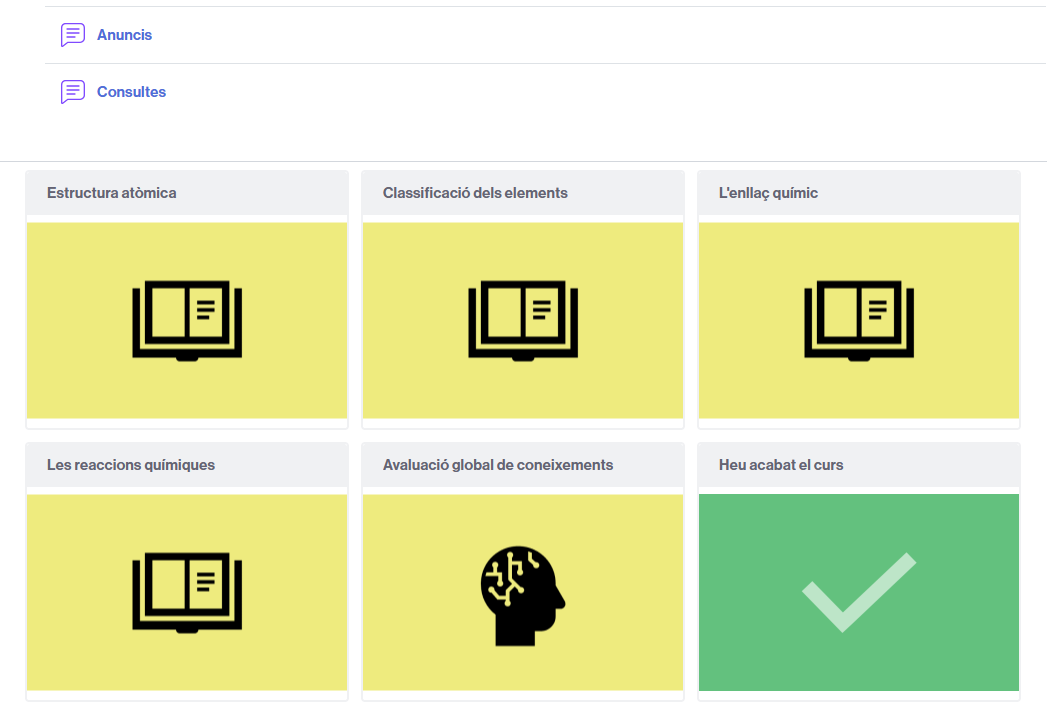
Example of a classroom with a grid format.
If you want your classroom to have a view in the form of grid,
- Access Settings from the classroom and expand the Course Format section.
- Next to Format, click the dropdown to display the options.
- Select Grid.
- A series of options will appear to finish configuring this format.
- Once configured, save the changes to make them effective