The weekly format displays the course sections (topics) in a format similar to the subject format. The only difference is that, by default, the titles of each section correspond to weeks.
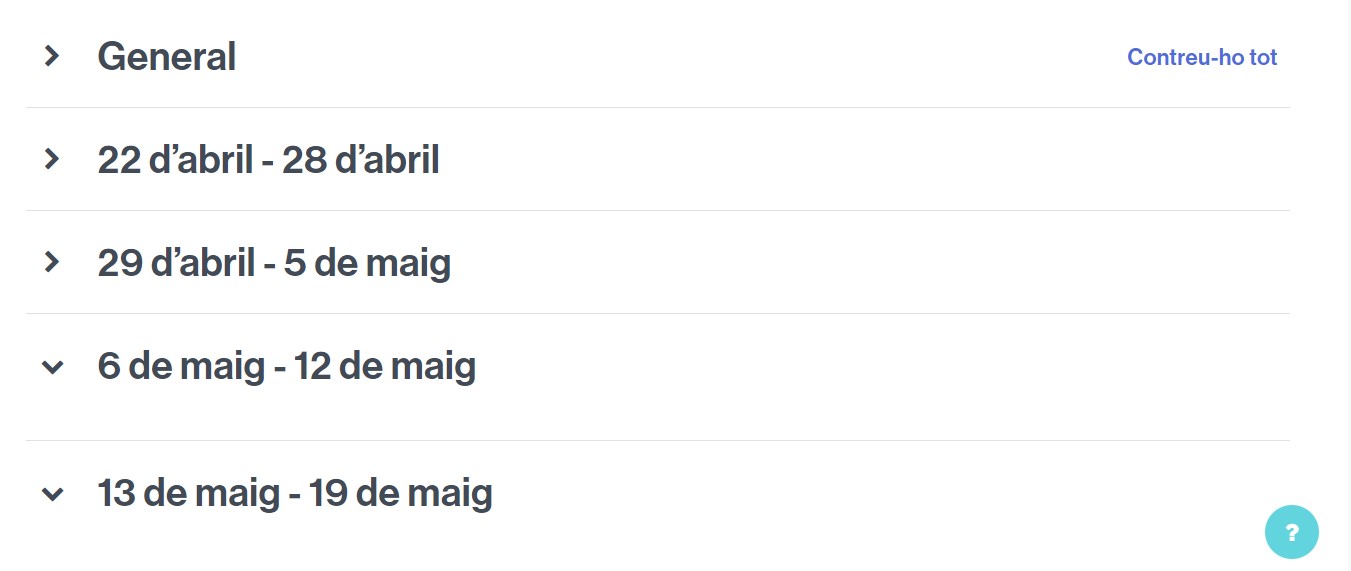
Example of a course organized by weeks.
If you want your classroom to have a view in a weekly format,
- Access Settings from the classroom and expand the Course Format section.
- Next to Format, click the dropdown to display the options.
- Select Weekly format and save the changes.