If you have generated the documents associated with an Offline Quiz activity but wish to modify the exam questions before it takes place, you must:
- Delete the forms.
- Make the necessary changes to the exam.
- Regenerate the documents.
To delete them:
- Access the activity.
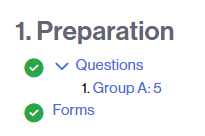
- Click on the Forms link (within the 1. Preparation stage).
- Click the Delete documents button.
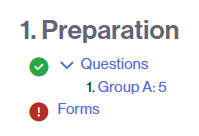
When you access the activity again, you will see that the Forms icon has changed to red, indicating that the next step is to generate these documents.