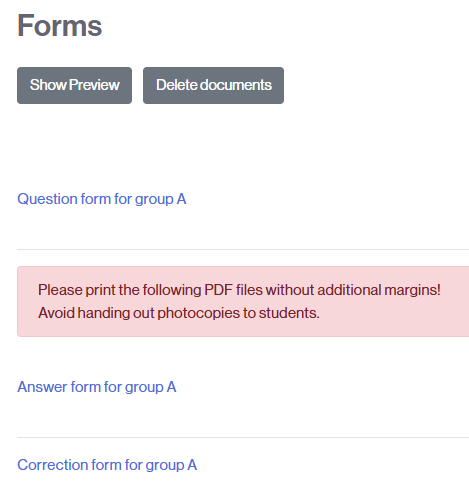
Once the exam questions have been assigned to an offline Quiz activity, you will be able to view them and, if everything is correct, generate the exam documents (the forms).
To generate them:
- Access the Offline Quiz activity.
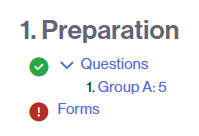
- In the stage outline, click on the Forms link (step 1. Preparation).
- Review the questions in the Preview and, if everything is correct, click the Create forms button.

- Once the process is complete, all available documents will appear.