Once you have scanned the students’ answer sheets, you can upload them to the classroom so that Moodle can automatically grade them.
IMPORTANT. All exams must be compressed into a single .zip file.
To upload the exams:
- Access the Offline Quiz activity.
- In section 2. Evaluation, click on the Upload link.
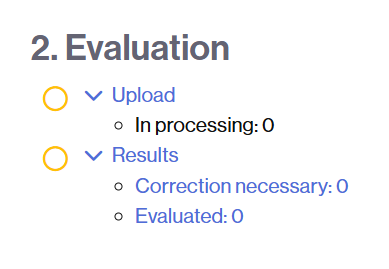
- Upload the compressed .zip file,
- either by clicking the Choose a file button and selecting the file,
- or by dragging the file to the upload area.
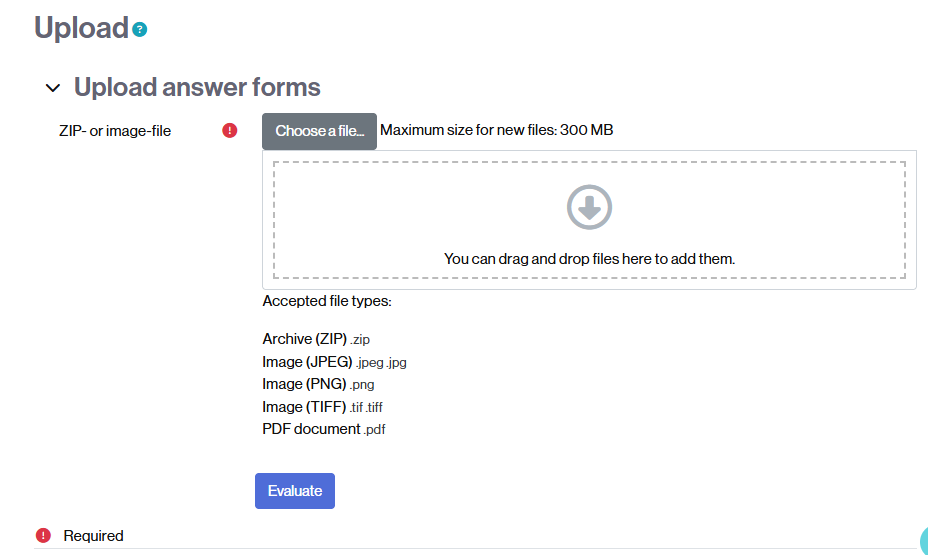
Once the file is uploaded, click the Evaluate button.