Once you have been assigned a license, follow these steps to sign in to Genially:
1. Visit Genially.
2. Click on “Login” at the top right.

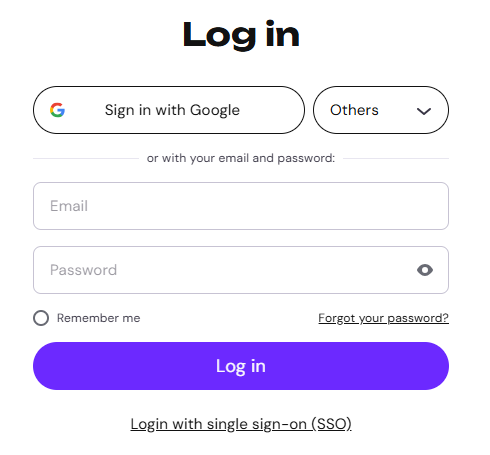
3. Select the option “Login with single sign-on (SSO)”.
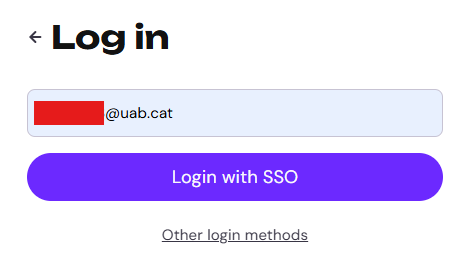
4. Enter your email NIU@uab.cat and click on “Login with SSO”.
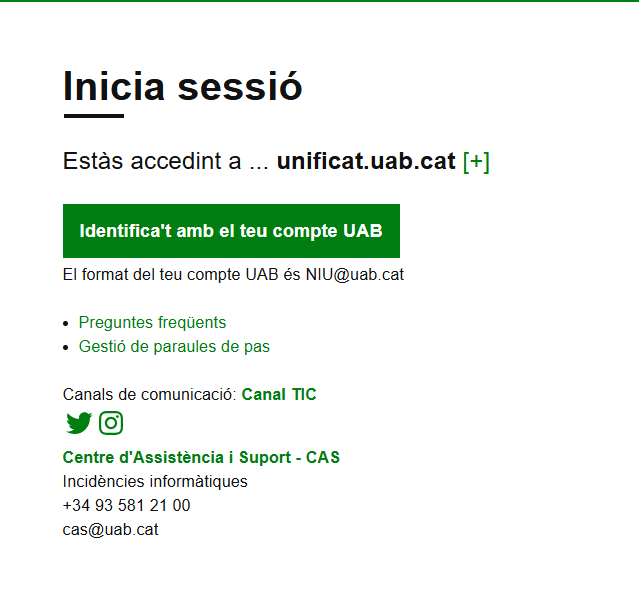
5. Finally, follow the steps to identify yourself as a UAB user.
This process will allow you to access all the features of Genially with your license.